> ## Documentation Index
> Fetch the complete documentation index at: https://docs.movestax.com/llms.txt
> Use this file to discover all available pages before exploring further.
# GitHub integration
> Start building with Codestax from 0 to 1 with a simple prompt.
 # Build with Codestax by Movestax
Welcome to Codestax! This guide will help you get started with your first project in just a few minutes.
From a prompt to a fully production deployed website seamless.
***
## 1. Connecting to GitHub
1. Click on the left menu under the historical chats.
2. Select the settings icon.
# Build with Codestax by Movestax
Welcome to Codestax! This guide will help you get started with your first project in just a few minutes.
From a prompt to a fully production deployed website seamless.
***
## 1. Connecting to GitHub
1. Click on the left menu under the historical chats.
2. Select the settings icon.
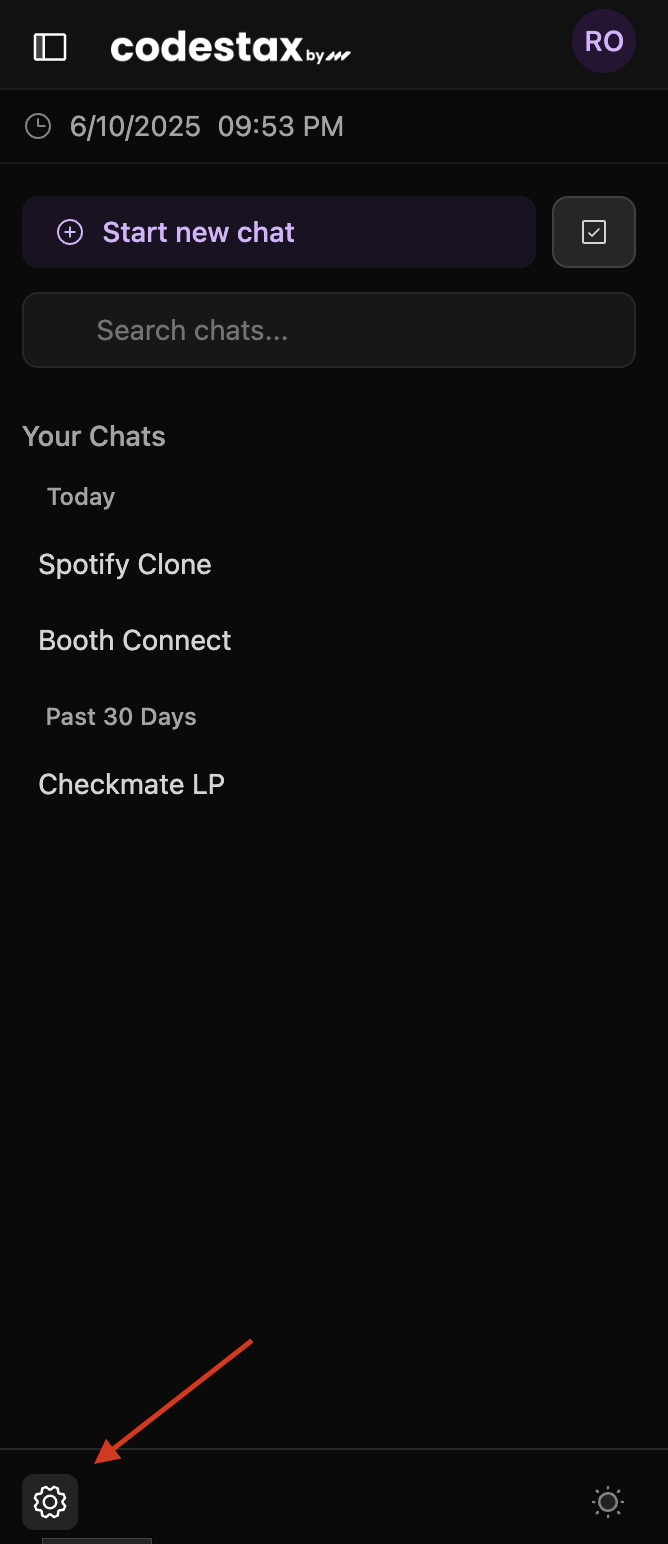 3. Navigate to Connection icon as shown on the picture.
 4. Enter you GitHub PAT
 To find out how to generate your GitHub PAT refer to: [GitHub Personal Access Tokens](https://docs.github.com/en/authentication/keeping-your-account-and-data-secure/managing-your-personal-access-tokens)
## 2. Push to GitHub
1. Whenever you feel ready with you code push it to GitHub and Codestax takes care of creating a repo for you.
To find out how to generate your GitHub PAT refer to: [GitHub Personal Access Tokens](https://docs.github.com/en/authentication/keeping-your-account-and-data-secure/managing-your-personal-access-tokens)
## 2. Push to GitHub
1. Whenever you feel ready with you code push it to GitHub and Codestax takes care of creating a repo for you.
 ## 3. Bring your own Repo
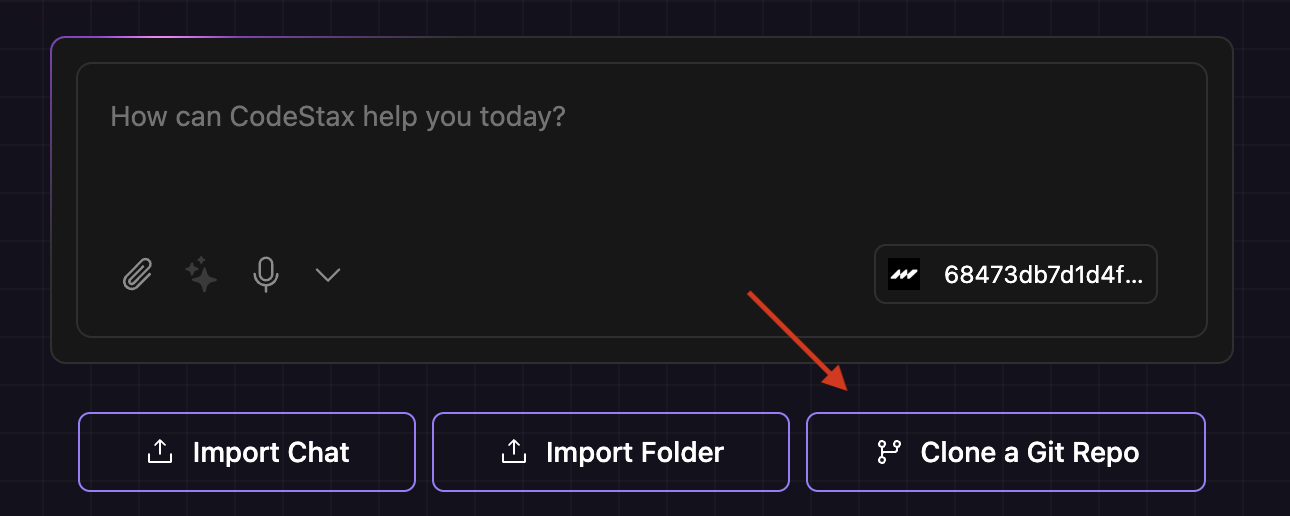
1. If you'd like to bring your own repo, just click **Clone a Git Repo** at initial chat screen.
## 3. Bring your own Repo
1. If you'd like to bring your own repo, just click **Clone a Git Repo** at initial chat screen.